Build the show.
Arrange stories in the rundown. Keep anchors, story types, and durations together as your show takes shape.
Explore the rundown ↗ Explore the app ↗
A connected workflow for everything that happens before—and during—the show.
Give every story a place, every presenter a script, and every production moment a cue.
Arrange stories in the rundown. Keep anchors, story types, and durations together as your show takes shape.
Explore the rundown ↗Refine the script, add markers, and set the teleprompter’s pace and presentation for your talent.
See the teleprompter ↗Follow the active story, watch your timing, and keep the script within reach in Player Mode.
Open Player Mode ↗Take a closer look at the real app.
Select a view below to explore.
Show timing, the active rundown, your teleprompter, and live script editing share a single workspace.
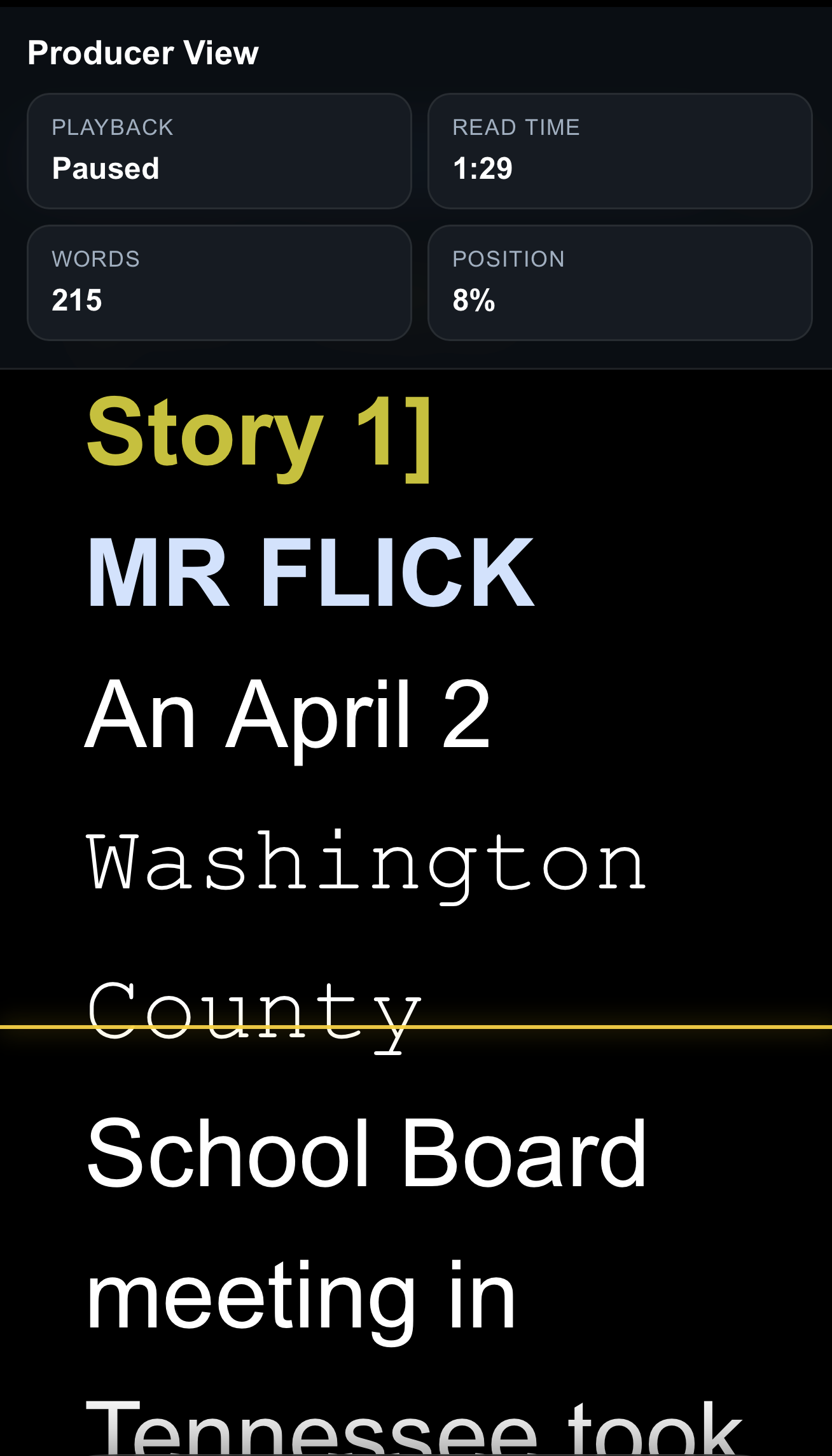
ACTUAL APP SCREENSHOTTalent can read their dialogue and producers can follow the script on an iPad, iPhone, or any computer.
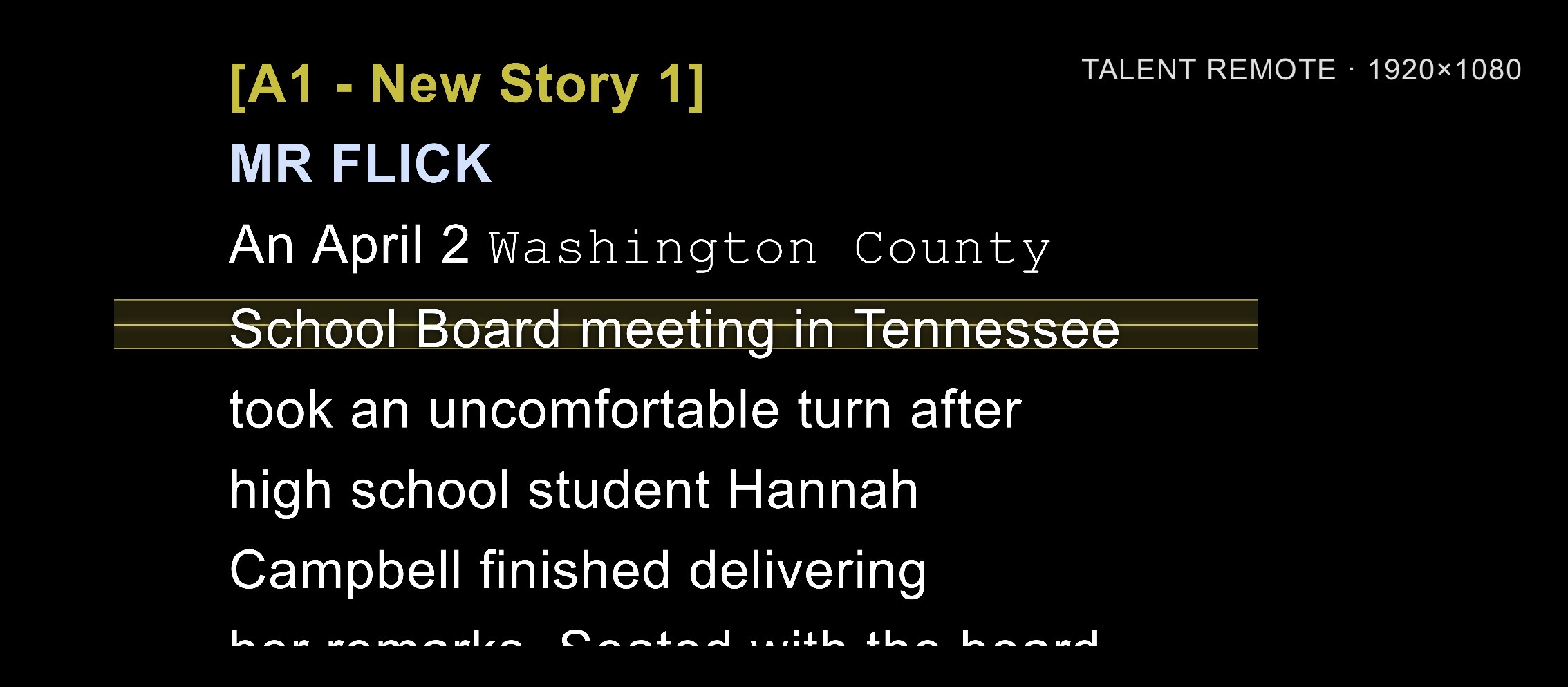
A dedicated talent view keeps dialogue clear and easy to follow on the screen that fits the setup.
Read along in Producer View, with playback status, read time, word count, and script position in view.
Use an iPad, iPhone, or computer for talent and producer reading views.
Production is a team effort. Keep the words, cues, and controls organized around the people using them.
Open a separate talent viewer for an extended desktop or confidence monitor, while the operator stays in control.
Organize reusable cues by category and choose visibility for operators, producers, and talent.
Build reusable HTTP and OSC / UDP commands, with preset templates for Behringer X32 and Midas M32 mixers.
Broadcast Showrunner by Flickinger Films brings rundown planning, script editing, teleprompting, show timing, and production cues into a connected production app.
The app includes import tools for .rtf and .docx files, along with .rtf export. For Google Docs scripts, download a .docx copy before importing.
Yes. The app provides a separate talent viewer for an extended desktop or confidence monitor.
Pricing, system requirements, and download information will be added to this website. For now, explore the app views above to get familiar with the workflow.
Broadcast Showrunner is getting ready for its debut.
Explore the app now. Launch details will be shared here.